
Encamp Update, September 27
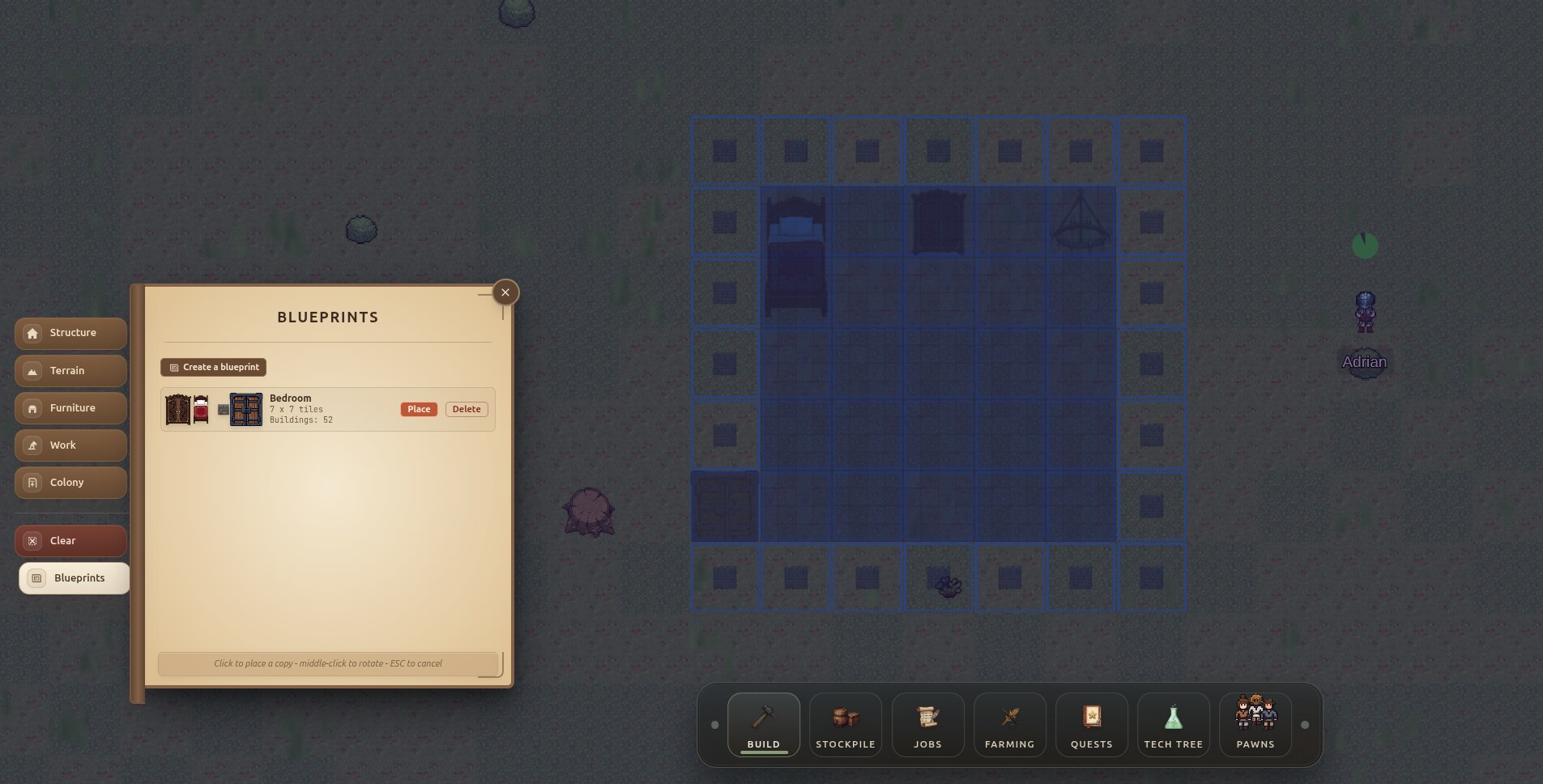
Room Blueprints
You can now save a room and build copies of it. Research the "Room Blueprints" technology to unlock it.
To save a room, drag a box over it and give it a name. To place a copy, pick the blueprint and click where you want it. Blue means it fits and red means it doesn't. Your pawns then build it like anything else, so they still need the materials.
Choose Your Respawn
When you lose your colony or start over, you now choose how the new one begins. First, pick where it starts: forest, plains, jungle, swamp, savanna, tundra or desert. Tundra and desert are harder, because there is little wood and food.
You also choose whether to start near other players or far away. You can pick the traits and favorite skills of your three starting pawns, or let the game roll them.
Tutorial Guides
A new Guide button in the top-right corner opens a book of short guides. They cover jobs, queueing orders, research, farming, lockdown, parties, outposts and keeping pawns happy. Each guide plays a short scene that shows you what to click.
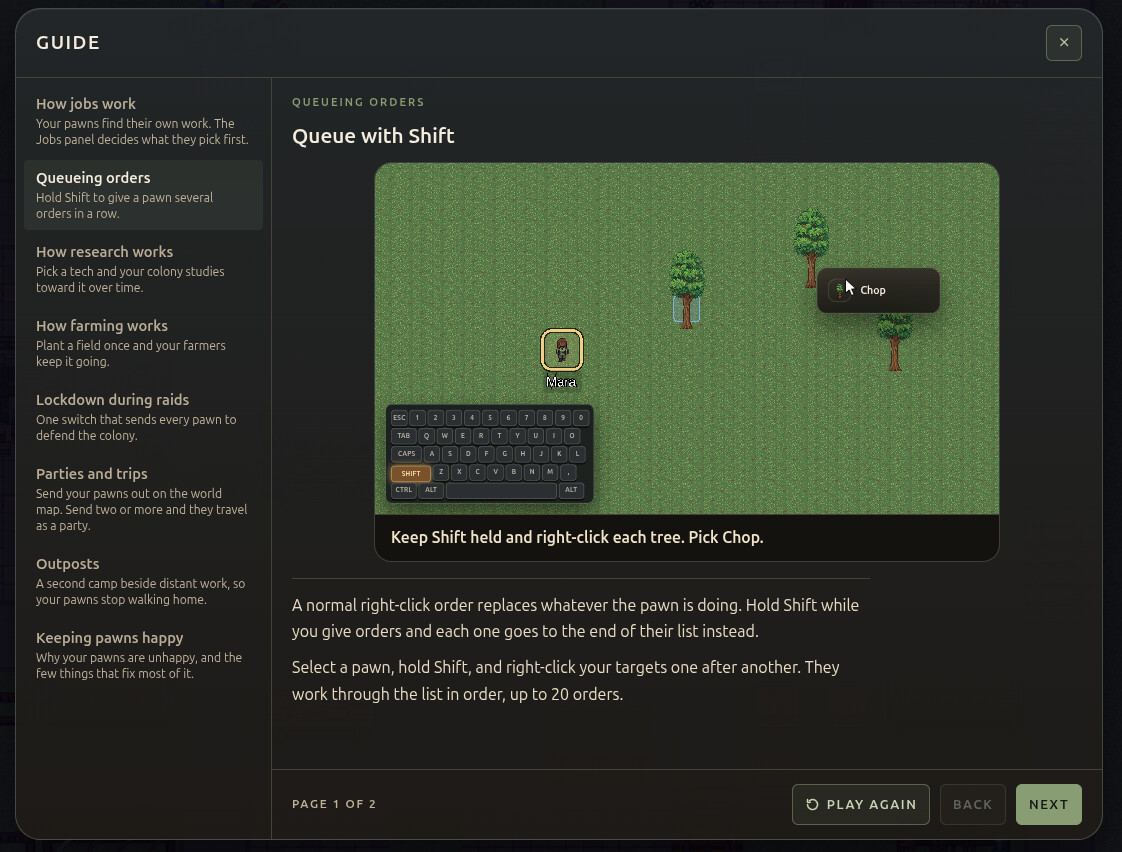
The game shows each guide when you need it. For example, the farming guide appears when you research farming, and the lockdown guide appears when your first raid comes. You can reread any guide later.